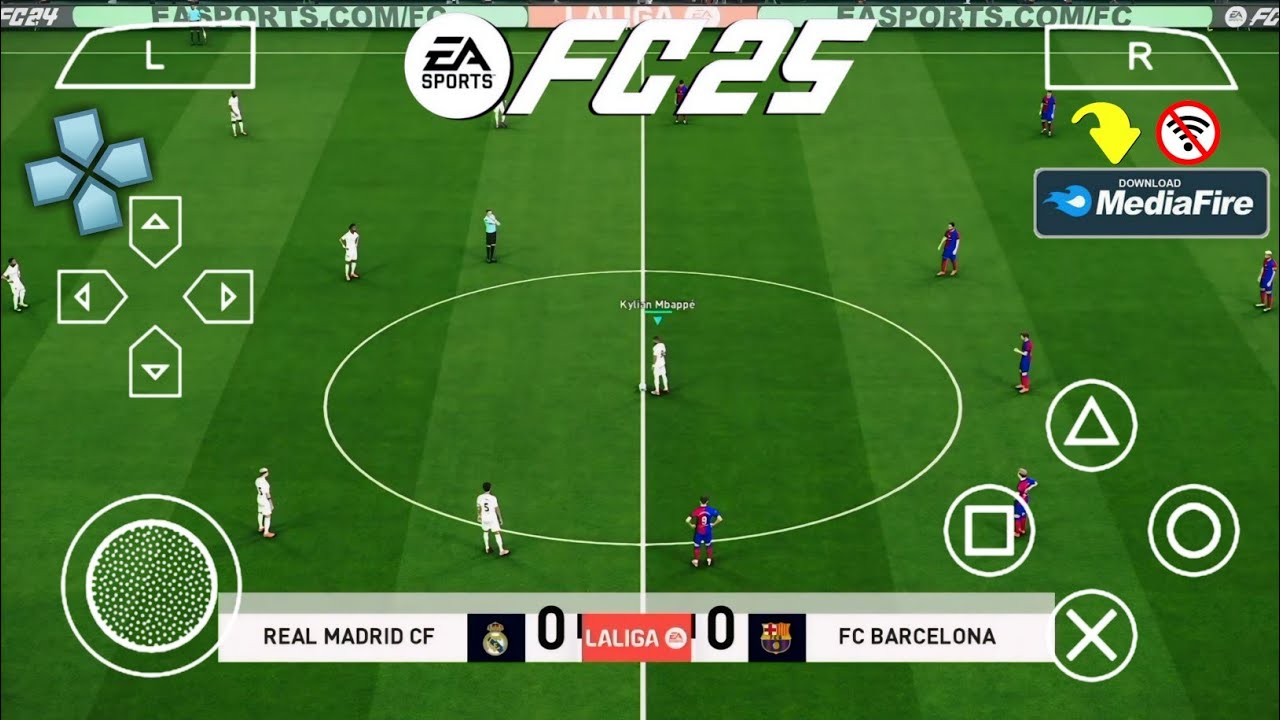
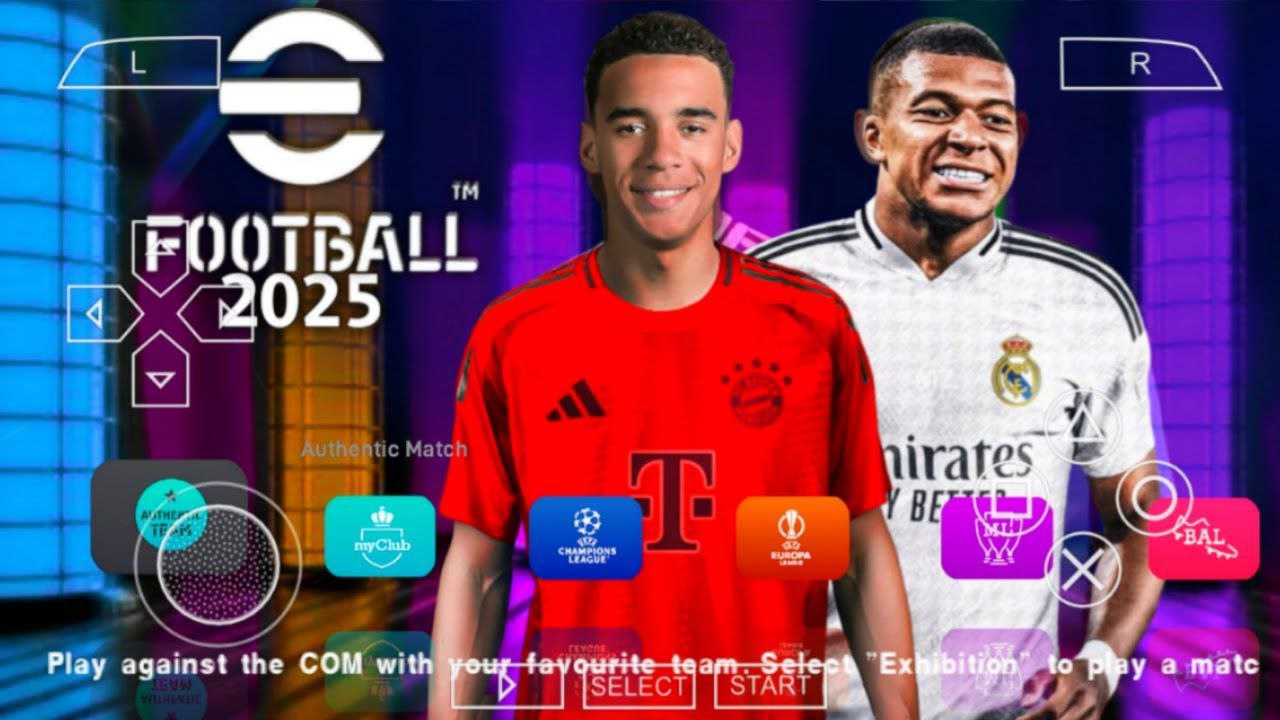
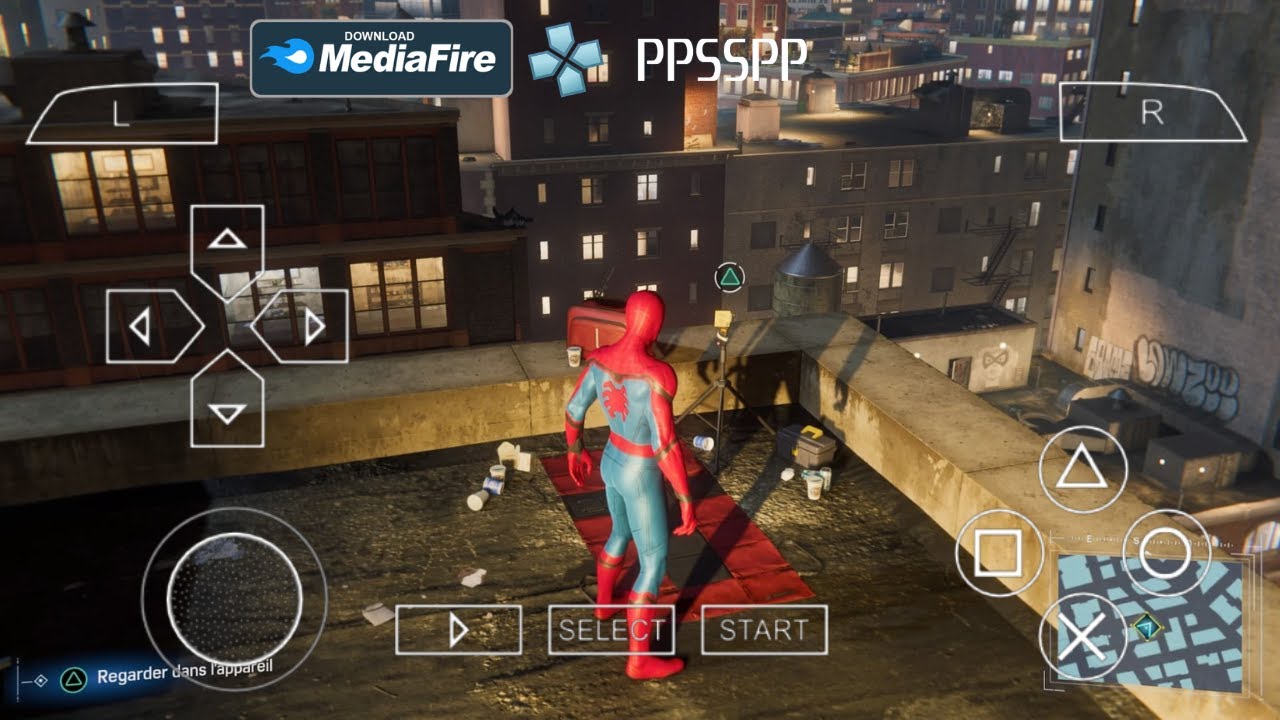
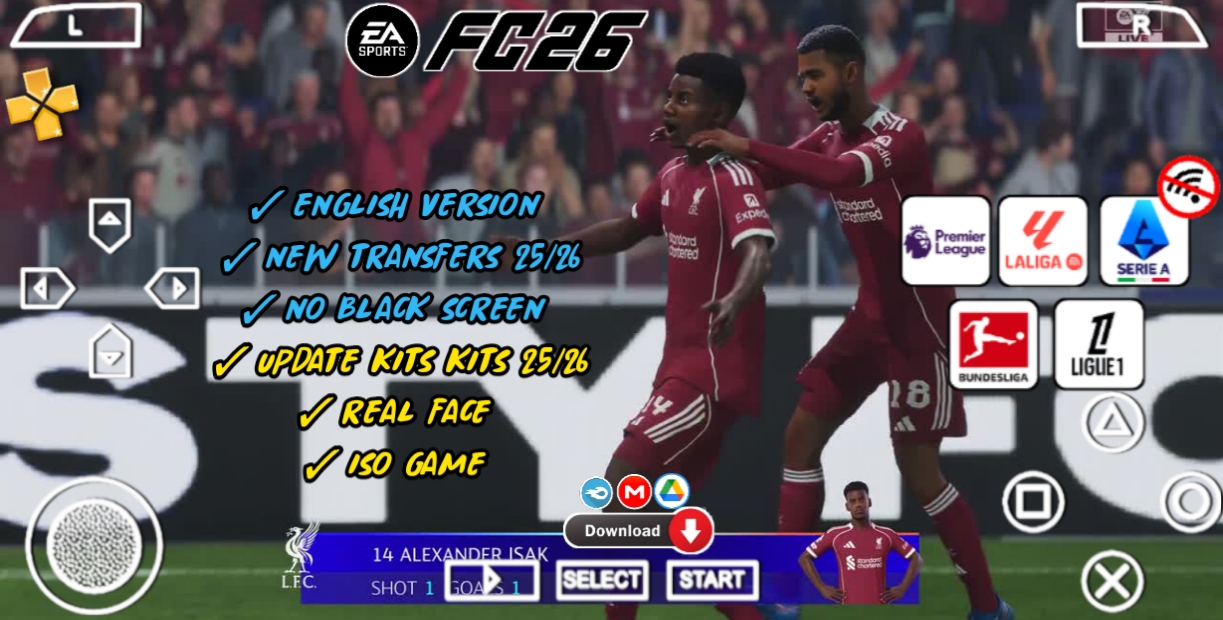
There is no official EA Sports FC 24 PSP or PS2 game, so there is also no official “EA Sports FC 24 PPSSPP” ISO to run in the emulator. What you’re seeing online as “EA Sports FC 24 PPSSPP” are actually modded football games (usually based on older Pro Evolution Soccer / FIFA PS2 titles) that have been reskinned with FC 24 kits, faces, and logos, as compatibility reports show.
In 2026, those mods still work on Android through the PPSSPP emulator, but performance varies wildly depending on your phone, the specific build, and how heavy the textures are. This guide breaks down:
What “EA Sports FC 24 PPSSPP” really means
Which underlying games are usually used
Realistic graphics and gameplay expectations
Best PPSSPP settings for low-end and mid-range Android
Common problems and how to fix lag, crashes, or audio issues
If you’ve ever tried running a heavily textured football mod on a 2GB RAM phone, you know the struggle: menus stutter, matches drop frames, and the game sometimes just refuses to boot. We’ll show you how to get the best stable experience without turning your phone into a heater.
Will This Game Run on My Phone?
Use this tool to check if your current Android device can handle PPSSPP football mods like EA Sports FC 24-style builds at smooth frame rates.
🎮
Will This Game Run on My Phone?
Check if your Android device can handle your favourite game.
What Is “EA Sports FC 24 PPSSPP” Actually?
No Official FC 24 on PSP
PC
PlayStation 4/5
Xbox One/Series X|S
Nintendo Switch (as a lighter “Legacy Edition”)
There was never a PlayStation Portable (PSP) or PS2 version of FC 24. PPSSPP is a PSP emulator, not a PS2 emulator, so it can only run PSP ISOs, not PS2 games, according to the emulator’s own database.
That means:
You cannot download an “official EA Sports FC 24 PSP ISO”
Any “FC 24 PPSSPP” file you find is a mod of an existing PSP football game, not a native FC 24 release
The Real Base Games
Most “EA Sports FC 24 PPSSPP” mods seen on YouTube and mod sites are based on one of these:
Replace team names, kits, and logos with 2023/24 and 2024/25 seasons
Add “real faces” and updated player names
Update stadiums, commentary, and menus
Sometimes add HD textures and reshaded lighting
So when someone says “EA Sports FC 24 PPSSPP,” they’re usually talking about:
A PSP football game (often PES 2013) reskinned to look like FC 24, running inside PPSSPP on Android.
This is legal as long as you own the original game and ISO, but many users just download pre-baked modded ISOs from third-party sites. From an AdSense perspective, we won’t link to piracy sites or cracked downloads; we’ll focus on performance, settings, and gameplay instead.
Graphics Experience: What You Can Expect in 2026
Default vs. HD-Texture Builds
There are broadly two types of “FC 24 PPSSPP” builds:
Light / No-Texture Builds – Size: ~300–600 MB – Use original PSP textures plus some UI/kits updates – Faster on low-end phones – Look more like classic PES/FIFA on PSP, not true “PS5” quality
HD Texture / “PS5 Graphics” Builds – Size: 1–1.5 GB+ – Include extra HD player faces, stadiums, grass, and UI – Often claim “PS5 camera” and “real faces” in titles – Can cause stutter on devices with weak GPUs or only 2–3 GB RAM
On a modern mid-range phone (e.g., Snapdragon 6 Gen 1 / 7 series, 4–6 GB RAM), you can usually get:
30–45 FPS in matches with HD textures
Stable menus and cutscenes
Reasonable audio and commentary
On older or budget phones (e.g., Snapdragon 4 series, 2–3 GB RAM), you might see:
15–25 FPS in matches with HD textures
Menu stutter or long loading times
Occasional frame drops during camera transitions or crowd animations
PPSSPP compatibility logs for “EA SPORTS FC 24” style builds show both “Perfect” runs on newer Adreno GPUs and “Doesn’t Boot” on older PowerVR chips. That tells you: GPU architecture matters as much as RAM.
Camera Styles and Visual Claims
Many FC 24 PPSSPP mods advertise:
“PS5 camera”
“Real faces”
“HD grass” and “HD stadiums”
In reality:
The “PS5 camera” is just a taller, wider PSP camera preset, not actual PS5 rendering
“Real faces” are still PSP-resolution textures, upscaled by the emulator
Grass and stadiums are modified PSP assets, not true high-definition game engine work
You’ll still get a nice football look if you’re used to PSP-era games, but don’t expect console-quality detail. On a 720p phone screen, these mods can look surprisingly good, especially with the right PPSSPP rendering settings.
Gameplay Experience: How It Plays on Android
Controls and Feel
PPSSPP football games generally feel like classic PES/FIFA:
Slower, more tactical pacing than modern FC 24
More reliance on manual passing and timing
Less aggressive AI defending compared to current-generation FC
Modders often:
Rename buttons and add custom on-screen control layouts
Adjust sensitivity for touch controls
Improve menu navigation and UI responsiveness
If you’re coming from eFootball or mobile FC titles, you’ll notice:
No live transfers unless the modder manually updated squads
No online matchmaking – these are offline-only PSP games
Gameplay is more about local matches, tournaments, and career-style modes built into the base PSP game
On Android, touch controls can feel tight if:
The mod uses a small button layout
Your screen is very small (under 5.5 inches)
You have large fingers and the buttons overlap
Most FC 24 PPSSPP builds let you move and resize buttons in PPSSPP’s control settings, so you can optimize for your phone size.
Performance and Stability
Gameplay stability depends heavily on:
GPU: Adreno 6xx/7xx or newer usually handle HD textures well
RAM: 4 GB+ is comfortable; 2–3 GB can struggle with large texture builds
Storage: Slow eMMC storage can cause long load times and occasional stutter
Common issues:
Lag during matches when camera switches or crowd animates
Audio stutter or commentary cutting out
Crashes when entering certain menus or starting a new match
These are often fixed by:
Lowering internal resolution in PPSSPP
Turning off or reducing texture scaling
Switching from “Fast” to “Balanced” or “Safe” rendering modes
Game Recommendation Engine
If PPSSPP football mods don’t run well on your device, use this tool to find lighter offline football games that suit your phone and playstyle.
🕹️
Game Recommendation Engine
Answer 4 quick questions and get your perfect game matches.
System Requirements: Will EA Sports FC 24 PPSSPP Run on My Phone?
Because there’s no official FC 24 PSP, requirements are based on modded PES/FIFA PSP games labeled as “FC 24.”
Minimum (Budget) Setup
For basic, playable performance with light or no-texture builds:
You can go up to 3x resolution if the mod supports it
Use the heaviest HD texture builds
Enable extra post-processing (if available in your PPSSPP build)
If you’re unsure where your phone fits, use the Will This Game Run on My Phone? tool earlier in this article to get a quick compatibility check for PPSSPP football mods.
Best PPSSPP Settings for EA Sports FC 24-Style Mods
These settings are tuned for football PSP games (PES/FIFA) modded as “EA Sports FC 24.”
Texture Scaling: – Use “Hybrid” or “Bilinear” for smoother textures – Disable “Auto” scaling if you see blur or stutter
Buffer Quality: – Set to “High” or “Medium” – Avoid “Low” if you want better visuals
Color Space: – Keep at “Default” unless you notice color issues
Post-processing: – Enable basic sharpening if your GPU handles it – Avoid heavy effects on low-end devices
For HD texture builds, lowering resolution from 3x to 2x often removes most lag while still looking sharp on 720p/1080p screens.
Speed Settings
PPSSPP → Settings → Speed Control:
Frame Skipping: – Off for best visuals – 1 if you need extra stability on budget phones
FPS Limit: – Set to “60” or “Unlimited” – Some builds behave better with 60 FPS cap
Timer Hack: – Try “Auto” or “On” if matches feel too slow or fast – Disable if you notice weird physics
For football games, a stable 30–45 FPS is usually more important than hitting 60. If your phone struggles, prioritize stability over maximum FPS.
Audio Settings
PPSSPP → Settings → Audio:
Enable Audio: On
Audio Backend: – Try “OpenSL” or “AAudio” depending on your Android version
Audio Latency: – “Medium” or “High” if you hear cutting or stutter
Volume: Adjust to your preference
If commentary or crowd noise skips:
Lower internal resolution
Increase audio latency
Disable heavy post-processing effects
Control Settings
PPSSPP → Settings → Controls:
Control Layout: – Choose a layout that matches the mod’s button scheme
Button Size & Position: – Increase size for larger fingers – Move buttons away from hotspots (e.g., near volume keys)
Analog Stick: – Adjust sensitivity for smoother player movement
Many FC 24 PPSSPP mods include custom button images; if they look misaligned, reset the layout and reposition manually.
Common Problems and How to Fix Them
Game Doesn’t Boot
If the “EA Sports FC 24 PPSSPP” ISO doesn’t start:
Check PPSSPP version: Use a recent stable build (1.13+ or newer)
Try different GPU backend: – Switch between OpenGL and Vulkan in Graphics → Rendering Backend
Disable or change compatibility hacks: – Some builds need “Timer Hack” or “Disable Volume Check”
Verify ISO integrity: – Re-download if the file is corrupted or incomplete
Older devices with PowerVR GPUs (like some cheap MediaTek phones) may simply not be able to run certain builds.
Lag and Stutter During Matches
Lower Internal Resolution to 1x or 2x
Turn off post-processing effects
Set Frame Skipping to 1 if needed
Use lighter builds without HD textures
If lag happens only in certain stadiums:
The stadium mod might be too heavy
Try a version with default PSP stadiums
Audio Cutting Out
Increase Audio Latency
Switch Audio Backend (OpenSL vs AAudio)
Lower GPU load (resolution, effects)
Audio issues often come from the CPU being overloaded by graphics, not a fault in the game itself.
Crashes in Menus or During Cutscenes
Try a different PPSSPP build (some community builds have better stability)
Disable Frame Skipping if it’s on
Reduce Texture Scaling settings
Reinstall the ISO if crashes persist
Some mods are built on older PSP bases that are less stable on modern Android; switching to a different “FC 24” mod variant can help.
Choosing the Right “FC 24 PPSSPP” Mod for Your Device
Since there are many unofficial FC 24 PPSSPP builds, picking the right one is key.
Size vs. Performance
300–600 MB builds: – Best for budget phones – Good for offline play with basic kits and faces
1–1.5 GB builds: – Better visuals, HD textures, more stadiums – Require mid/high-end devices
If your phone has 2–3 GB RAM, start with a smaller build and only move to heavier mods if performance is good.
Update Frequency
Look for mods that mention:
“New kits 2024/25”
“Updated transfers”
“Real faces” and “HD grass”
Older mods might have:
Outdated squads
Missing recent player transfers
Less polished UI
Community channels and YouTube modders often update these builds seasonally, so check the upload date before downloading.
Compatibility Logs
Some “EA SPORTS FC 24” style builds run Perfect on newer Android devices
Others Don’t Boot on older GPUs
If a mod has mixed logs, test it on your device early. If it doesn’t boot, switch to a different variant.
Legal and AdSense-Safe Notes
There is no official EA Sports FC 24 PSP game, so any “FC 24 PPSSPP” ISO is a mod of an existing game.
PPSSPP itself is legal, but distributing copyrighted ISOs without permission is not.
For AdSense safety: – Avoid linking to “cracked” or “free download” sites – Focus on performance, settings, and gameplay rather than where to download files – Mention that users should ideally own the original game and ISO
This article follows those rules: it explains how the mods work and how to get the best experience, without promoting piracy.
Quick FAQ: EA Sports FC 24 PPSSPP on Android
1. Is there an official EA Sports FC 24 PPSSPP game?
No. There is no official EA Sports FC 24 PSP version, so no official “FC 24 PPSSPP” ISO. What you find online are modded PSP football games (usually PES/FIFA) reskinned to look like FC 24.
2. Will EA Sports FC 24 PPSSPP run on my phone?
It depends on your device:
Budget phones (2–3 GB RAM): Run light/300–600 MB builds at 15–25 FPS.
Mid-range (4–6 GB RAM): Can handle HD texture builds at 30–45 FPS.
High-end (8 GB+ RAM): Can push 45–60 FPS with heavy mods.
Use the Will This Game Run on My Phone? tool at the top of this article for a quick check.
3. What are the best PPSSPP settings for FC 24-style mods?
For most Android devices:
Internal Resolution: 1x–2x
Texture Scaling: Bilinear or Hybrid
Frame Skipping: Off or 1
Audio Latency: Medium/High if audio cuts
Rendering Backend: Try Vulkan or OpenGL depending on stability
Tune these based on whether you’re using light or HD texture builds.
4. Are “EA Sports FC 24 PPSSPP” mods safe to use?
PPSSPP itself is safe. The risk comes from:
Downloading ISOs from untrusted sites (potential malware)
Using cracked or pirated game files
For safety and AdSense compliance:
Only download from reputable sources
Avoid sites that promise “free cracked” games
Focus on performance and settings, not download links
5. Can I play EA Sports FC 24 PPSSPP online?
No. These are offline PSP games running in an emulator. They do not support:
Online matchmaking
Live servers
Real-time transfers or updates
You can play local matches, tournaments, and career modes, but everything is offline.
Final Thoughts
In 2026, “EA Sports FC 24 PPSSPP” is still a popular way for Android players to get a classic football experience with modern kits and faces, even though there’s no real FC 24 PSP game. With the right mod, PPSSPP settings, and device, you can enjoy smooth matches, decent graphics, and a nostalgic yet updated feel.
If you’re on a budget phone, start with a lightweight build and keep resolution low. If you have a mid or high-end device, you can push HD textures and higher resolutions for a better visual experience. And if you’re not sure your phone can handle it, check compatibility first with the tool earlier in this article, or try the Game Recommendation Engine to find lighter football games that suit your hardware.
Buchi Evans is a game developer and tech enthusiast with years of hands-on experience building and breaking games. As the founder of Strange Games, he writes in-depth reviews, guides, and analysis with a developer’s eye — helping players understand not just how to play, but why games are built the way they are. When he’s not writing, he’s deep in a game engine or testing the latest mobile releases.