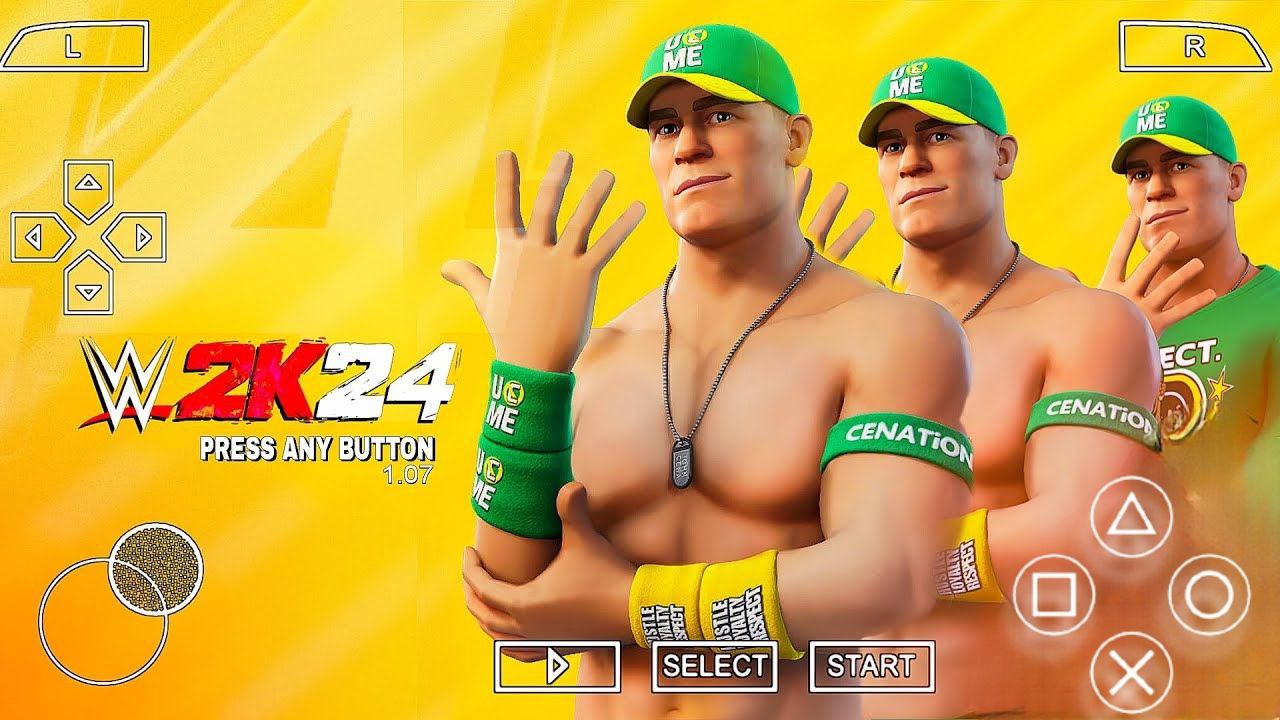
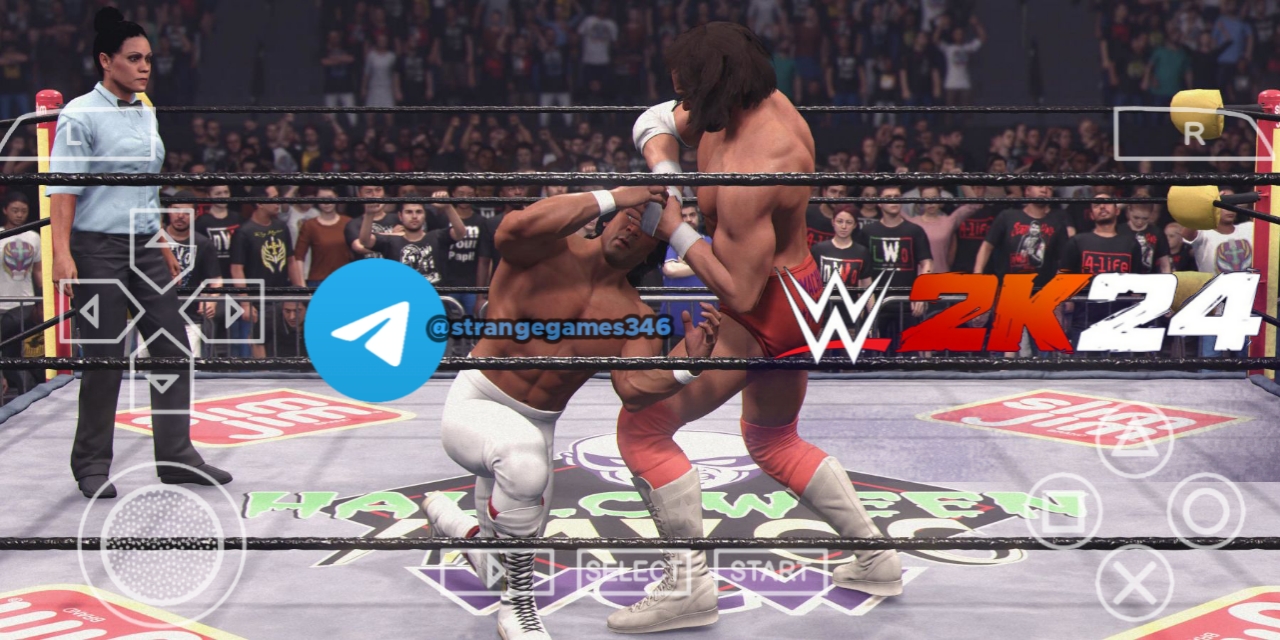
If you’ve ever tried running a big wrestling sim on a 2GB RAM phone, you know the struggle. WWE 2K24 is a 90 GB PC game with GTX 1060-level graphics requirements, so trying to emulate it on Android is a serious test of both hardware and software. This article breaks down exactly what’s possible in 2026, which emulators work, what devices can actually run it, and how to set things up without falling into piracy traps.
Can You Play WWE 2K24 on Android in 2026?
No Official Android Version
2K has never released a full WWE 2K24 version for Android. The only official mobile WWE game in 2026 is a separate, smaller title (often called “WWE 2K Mobile” or similar) that uses different mechanics, lower graphics, and a much smaller install size.
If you search “WWE 2K24 Android” on Google Play, you will not find the PC game. Any APK claiming to be the full WWE 2K24 is either:
A fake or scam file
A modded version of the lighter mobile WWE game
Or a mislabeled emulator test video reference.
So if your goal is to run the actual WWE 2K24 PC game on your phone, you’re not downloading an official APK. You’re using a PC emulator for Android.
Emulation Is the Only Path
In 2026, the only realistic way to play the full PC version of WWE 2K24 on Android is through x86/Windows emulation layers that translate PC game code to run on ARM mobile chips. Popular tools include:
Winlator (and derivatives like Winlator Bionic Ludashi)
GameNative
WinNative
Older options like Winlator original, Mobox, etc..
These are not “WWE 2K24 emulators” specially made for wrestling. They are general Windows-on-Android emulators that can run WWE 2K24 if your device is strong enough and the settings are tuned correctly.
WWE 2K24 PC Requirements: What You’re Trying to Emulate
Before you try running this on mobile, you need to know what the PC game demands. Emulation multiplies those demands, often by 2–4×.
Official Minimum & Recommended Specs
According to 2K and multiple benchmark sites like PCGamesN, the official WWE 2K24 PC requirements are:
Category
Minimum
Recommended
OS
Windows 10 64-bit
Windows 10 64-bit
CPU
Intel i5-3550 / AMD FX 8150
Intel i7-4790 / AMD FX 8350
RAM
8 GB
16 GB
GPU
GTX 1060 / RX 480 (3 GB VRAM)
GTX 1070 / RX 5600 XT (6 GB)
Storage
90 GB (SSD recommended)
90 GB (SSD recommended)
DirectX
Version 12
Version 12
Other
AVX-compatible CPU
AVX-compatible CPU
Key points:
The GPU minimum is roughly a GTX 1060-class card.
The game needs 90 GB of storage.
It’s built for modern 64-bit Windows with DirectX 12 and AVX CPU support, as detailed in the official PC system requirements.
Why This Matters for Android
Emulators like Winlator translate x86 CPU instructions and DirectX calls into ARM + Vulkan. This overhead means:
Your phone needs to be significantly stronger than a GTX 1060 PC to get decent performance.
You’ll need lots of RAM (8–12 GB+) and a fast GPU (Snapdragon 8 Gen 2/3, equivalent, or high-end Mali/Adreno).
Storage speed matters: as seen in performance tests, a slow phone SSD will make the 90 GB game feel sluggish.
If your phone is, say, a mid-range device with 4–6 GB RAM and a weak GPU, WWE 2K24 will likely be unusable or crash constantly.
Best Android Emulators for WWE 2K24 in 2026
No single emulator is officially “the best for WWE 2K24,” but certain tools have better compatibility and performance in 2026 based on community tests and YouTube gameplay demos.
1. Winlator (and Winlator Bionic Ludashi)
What it is:
Winlator is one of the most popular Windows-on-Android emulators. “Winlator Bionic Ludashi” is a community-tuned variant that often includes updated drivers and better performance presets.
It supports DirectX 12 games and has container profiles that can be tweaked for specific titles.
Typical performance (from community tests):
Devices like RedMagic 11 Pro, AYN Odin 3, Legion Y700 Gen 4 can reach 30–50+ FPS at low settings with careful tuning.
Lower-end phones (Snapdragon 7xx, 6 GB RAM) often struggle or crash.
Pros:
Good DX12 support.
Active community with pre-made container configs.
Many WWE 2K24-specific setup guides exist online.
Cons:
Requires a proper PC game install (Steam/ISO) and legal ownership.
Setup can be fiddly: drivers, Wine/Proton, DXVK, resolution, etc.
Performance varies wildly by GPU and RAM.
2. GameNative
What it is:
GameNative is another Windows-on-Android emulator that in 2026 claims improved compatibility and a more “console-like” interface compared to older options.
Why it’s relevant:
Recent videos show it running a variety of Steam/Epic/GOG games, including heavy titles.
Some users report smoother performance on certain Adreno GPUs compared to Winlator.
Pros:
Modern UI, easier for beginners.
Supports offline game files without needing a Steam login in some modes.
Regular updates improving compatibility.
Cons:
Smaller community than Winlator, so fewer WWE 2K24-specific guides.
Performance on Mali GPUs can be inconsistent.
3. WinNative
What it is:
WinNative is a newer 2026 emulator focused on better container management and driver integration.
Relevance:
Designed to handle Steam/Epic/GOG libraries more cleanly.
Some early tests show it can run AAA titles, but WWE 2K24-specific community feedback is still limited compared to Winlator.
Pros:
Strong focus on Steam/Epic integration.
Potentially better stability on newer Snapdragon chips.
Cons:
Less mature than Winlator for specific wrestling games.
Fewer public WWE 2K24 setup examples.
Summary: Which One to Try?
For WWE 2K24 in 2026:
Start with Winlator Bionic Ludashi if you want the most community-tested path.
Try GameNative if you have an Adreno GPU and want a cleaner UI.
Consider WinNative if you’re deep in Steam/Epic and want integrated library management.
There is no official “WWE 2K24 emulator” for Android; you’re choosing a general Windows emulator and then tuning it for this specific game.
Devices That Can Actually Run WWE 2K24 via Emulation
Not every Android phone can run WWE 2K24. Because emulation is so heavy, you need high-end hardware.
Minimum “Playable” Target (Low Settings, 30 FPS)
Based on 2026 emulator tests and community reports, a realistic baseline for playable WWE 2K24 via emulation is:
CPU: Snapdragon 8 Gen 2 or newer (e.g., 8 Gen 3, 8s Gen 3)
Or equivalent high-end ARM chips (e.g., some AYN Odin 3, Legion Y700 Gen 4 class devices).
RAM: 8 GB minimum, 12 GB+ preferred.
GPU: Strong Adreno GPU (Snapdragon 8 Gen series) or high-end Mali.
Storage: Fast UFS 3.1/4.0, at least 120 GB free (game is 90 GB + emulator files).
Resolution: 720p (1280×720) is often the sweet spot for stability.
Phones below this (e.g., Snapdragon 7 series, 6 GB RAM) will likely:
Run at very low FPS (15–20) or stutter heavily.
Crash frequently due to memory pressure.
Have timing issues in wrestling animations.
High-End Devices Getting Better Results
Devices like:
RedMagic 11 Pro
AYN Odin 3
Legion Y700 Gen 4 (tablet)
have been shown in 2026 videos running PC games emulated at 30–60 FPS, including titles with similar or heavier demands than WWE 2K24.
If you have one of these, WWE 2K24 at 720p low with 30–45 FPS is realistic.
Devices That Will Struggle
If your phone is:
Mid-range (Snapdragon 7xx, 6 GB RAM)
Older flagship (Snapdragon 860/870 era)
Budget (4–6 GB RAM, weak GPU)
you will probably:
See frequent crashes.
Get 15–25 FPS with heavy stutter.
Experience input lag that makes timing-based wrestling moves frustrating.
How to Set Up WWE 2K24 on Android with Winlator
This is the most practical path for many users in 2026. The steps below assume you already own WWE 2K24 on PC (Steam, Epic, or ISO) and want to run that legal copy on Android.
Step 1: Get the Emulator
Download the latest Winlator Bionic Ludashi or Winlator build from a trusted source (GitHub, official site, or community Discord).
Install the APK on your Android device.
Enable all requested permissions (storage, network, etc.) so it can access game files.
Step 2: Prepare Your Game Files
You must have a legitimate copy of WWE 2K24:
From Steam, Epic, or a legal ISO/installer.
Do not use cracked or pirated APKs/ISOs; this violates terms and can get your account banned or expose you to malware.
Copy the game folder to your phone’s internal storage or fast SD card, e.g.:
/storage/emulated/0/Games/WWE2K24/
Ensure the folder contains the main .exe launcher and all game data.
Step 3: Create a Container
In Winlator:
Open the app and go to Containers.
Create a new container, e.g., “WWE2K24”.
Set basics:
Screen resolution: 1280×720 (start low).
GPU: Choose your device’s GPU driver (Adreno/Mali).
DXVK: Enable for DirectX 12 support.
Wine/Proton: Install recommended version via the components menu.
Step 4: Tune Graphics & Performance
For WWE 2K24 specifically:
Resolution: 1280×720 or 960p max.
DLSS/FSR: Usually not available or useful on mobile; keep off.
Texture quality: Low or Medium.
Shadow quality: Low.
Anti-aliasing: Off or low.
Frame rate limit: 30 or 45 FPS cap to stabilize performance.
These settings mirror what community testers use to get stable 30–45 FPS on high-end devices.
Step 5: Add and Launch the Game
In the container, add the game’s .exe as a shortcut.
Start the game.
If it crashes:
Try a different DXVK version.
Lower resolution further (960×544).
Reduce RAM usage in container settings.
Check that your device isn’t overheating (emulation is hot work).
Performance Expectations: FPS, Lag, and Stability
Understanding what to expect prevents frustration.
Realistic FPS Ranges
From 2026 emulation tests and community reports, you can see realistic FPS ranges for various devices:
High-end devices (Snapdragon 8 Gen 2/3, 12 GB RAM):
720p low: 30–45 FPS, occasionally 50+ in less intense scenes.
960p low: 25–35 FPS with some stutter.
Upper mid-range (Snapdragon 7xx, 8 GB RAM):
720p low: 15–25 FPS, heavy stutter.
Often not enjoyable for timing-based wrestling.
Budget devices:
Likely unusable or constant crashes.
Common Issues
Crashes on launch:
Often due to missing drivers, wrong DXVK version, or insufficient RAM.
Input lag:
Wrestling games need precise timing. Emulation can add 1–3 frames of delay, making some moves feel “off.”
Audio glitches:
Some emulators struggle with audio sync; lowering resolution and frame cap can help.
Overheating:
Emulation pushes CPUs/GPU hard. Use a fan or cool environment; otherwise performance Drops.
Legal and Safety Considerations
No Piracy or Cracked APKs
WWE 2K24 is a paid PC game. You must own it legally (Steam, Epic, retail, etc.).
Do not download “WWE 2K24 APK free,” “cracked WWE 2K24,” or similar from shady sites. Those are:
Often malware.
Violate 2K’s terms.
Can get your devices compromised or accounts banned.
Emulators themselves are legal tools, but using them to run pirated games is not.
Multiplayer and Cheating
Emulated WWE 2K24 on Android will typically run in offline/single-player mode.
Trying to use mod menus, cheat engines, or “hack packs” in online modes can:
Violate the game’s Terms of Service.
Risk account suspension.
Stick to single-player story modes, custom matches, and local play.
Safety Tips
Only download emulators from official GitHub/reputable community sources.
Avoid APKs from random forums or Telegram channels promising “free WWE 2K24.”
Keep your device’s OS and emulator updated to reduce instability and security risks.
WWE 2K24 Mobile vs WWE 2K24 PC via Emulation
It’s useful to compare the official mobile option with the emulated PC version.
Aspect
WWE 2K24 Mobile (Official)
WWE 2K24 PC via Emulation
Availability
Official Android app
No official app; emulator only
Graphics
Mobile-grade, simplified
PC-grade, full fidelity (if tuned)
Install Size
~1–5 GB range
~90 GB + emulator files
Controls
Touch + optional controller
Can emulate keyboard/controller
Performance on Low Devices
Works on many phones
Only high-end phones feasible
Features
Lighter modes, fewer Superstars
Full roster, modes, updates
Cost
Often free/low-cost with upsells
Requires owning full PC game
If you want a casual wrestling experience on a budget phone, the official mobile WWE game is better. If you want the full WWE 2K24 experience and have a high-end device, emulation is the only path.
Practical Tips for a Better Emulated Experience
1. Use a Controller
Touch controls for wrestling games are clunky. A Bluetooth controller (Xbox, PlayStation, or generic Android gamepad) makes:
Grabs, counters, and finishers much more precise.
Menus and selects easier.
2. Keep Your Device Cool
Use a phone fan or cool surface.
Avoid playing in hot rooms.
Consider lowering FPS caps to reduce heat.
3. Optimize Storage
Use fast internal storage, not slow SD cards.
Keep at least 10–15 GB free beyond the 90 GB game.
4. Update Drivers and Emulator
Keep Winlator/GameNative updated.
Try different DXVK/Wine versions if you get crashes.
Follow community threads for WWE 2K24-specific tweaks.
5. Start Low, Gradually Increase
Begin at 720p, low settings, 30 FPS cap.
If stable, nudge up resolution or textures.
Don’t jump to 1080p high immediately; you’ll likely crash.
FAQs: WWE 2K24 on Android via Emulators
1. Is there an official WWE 2K24 Android app in 2026?
No. The only official mobile WWE game is a separate, smaller title. The full PC version of WWE 2K24 is not released for Android.
2. Can I download WWE 2K24 APK for Android?
Any APK claiming to be the full WWE 2K24 PC game is not official. It’s likely fake, pirated, or a mislabeled mobile WWE game. For the real PC game, you must use a Windows emulator and own a legal copy.
3. What phone do I need to run WWE 2K24 on Android?
You need a high-end device:
Snapdragon 8 Gen 2/3 or equivalent.
8–12 GB RAM.
Fast storage (UFS 3.1/4.0).
Lower-end phones will struggle or not run it at all.
4. Which emulator is best for WWE 2K24 on Android?
In 2026, Winlator Bionic Ludashi has the most community-tested WWE 2K24 setups. GameNative and WinNative are also options, but with fewer specific guides.
5. Will WWE 2K24 run on my phone?
You can check by testing carefully: if you have a Snapdragon 8 Gen 2/3+ and 8+ GB RAM, it’s likely playable at 720p low. If you’re on a mid-range or budget phone, expect poor performance or crashes.
6. Is emulating WWE 2K24 on Android legal?
Using emulators is legal. However, you must own a legitimate copy of WWE 2K24. Running cracked or pirated versions is illegal and unsafe.
7. Can I play WWE 2K24 online on Android via emulator?
Online play is generally unreliable or unsupported in emulated setups. Most users play offline single-player modes. Attempting to cheat or use mods in online can violate terms and risk bans.
Final Take: Is WWE 2K24 on Android Worth It in 2026?
If you:
Already own WWE 2K24 on PC,
Have a high-end Android device (Snapdragon 8 Gen 2/3, 8–12 GB RAM),
And are comfortable tweaking emulator settings,
then running WWE 2K24 via Winlator or GameNative is a realistic, impressive, and technically satisfying experience. You can get 30–45 FPS at 720p low with a controller, which is enough to enjoy the full game on the go.
If you:
Don’t own the PC game,
Have a budget or mid-range phone,
Or want a simple, no-tweak experience,
then the official mobile WWE game is the better choice. It’s lighter, more stable, and designed for phones from the ground up.
Emulation is a powerful tool, but it’s not a magic “play any PC game on any phone” solution. With WWE 2K24 in 2026, it’s a high-end, high-effort path that rewards serious hardware and patience.
Buchi Evans is a game developer and tech enthusiast with years of hands-on experience building and breaking games. As the founder of Strange Games, he writes in-depth reviews, guides, and analysis with a developer’s eye — helping players understand not just how to play, but why games are built the way they are. When he’s not writing, he’s deep in a game engine or testing the latest mobile releases.